How to Edit Video to the Beat (Cut Your Clips to the Music)
The difference between an amateur edit and a pro one is usually one thing: the cuts land on the beat. The good news — you can see the beat right in the waveform, so you don’t have to guess where it is.
Quick answer
Add the music, tap the audio clip and tap Beats on its toolbar — ExpoCut marks every beat on the waveform with a yellow tick. Zoom the timeline in, park the playhead on a tick, select the video clip and tap Split; repeat on each beat you want a cut on. For a busy track, split the stems first so the drum row gives you a clean grid, and put transitions only on the big hits.
- Beats is on the audio clip’s toolbar next to Auto-Cut and Transition — one tap marks the grid.
- The zoom slider under the transport bar makes the ticks easy to land on.
- Cut every 2 beats in the verse, every beat in the build, on the downbeat at the drop.
- Keep transitions short so they finish on the beat.
Watch any edit that feels “tight” and you’ll find the secret in the audio: the cuts land on the beat. You don’t need a detector to find it — the beat is right there in the music’s waveform, as a row of evenly-spaced peaks. Put your cuts on those peaks and the whole edit snaps into rhythm.
Why beat sync is the biggest upgrade
The human brain predicts rhythm. When your cuts agree with the music’s pulse, the video feels deliberate and satisfying; when they drift off, it feels sloppy — even if every shot is great. Beat sync is the cheapest way to make a phone edit feel produced.
Step 1 — Add the music and read the beat
Drop your track onto an audio row first — it’s your metronome. On the timeline the music shows a waveform; tap the clip and tap Beats on its toolbar and ExpoCut marks every beat with a small yellow tick along the top of the clip. (You can still read them by eye: the tall, regular spikes are the beats — usually the kick and snare.)
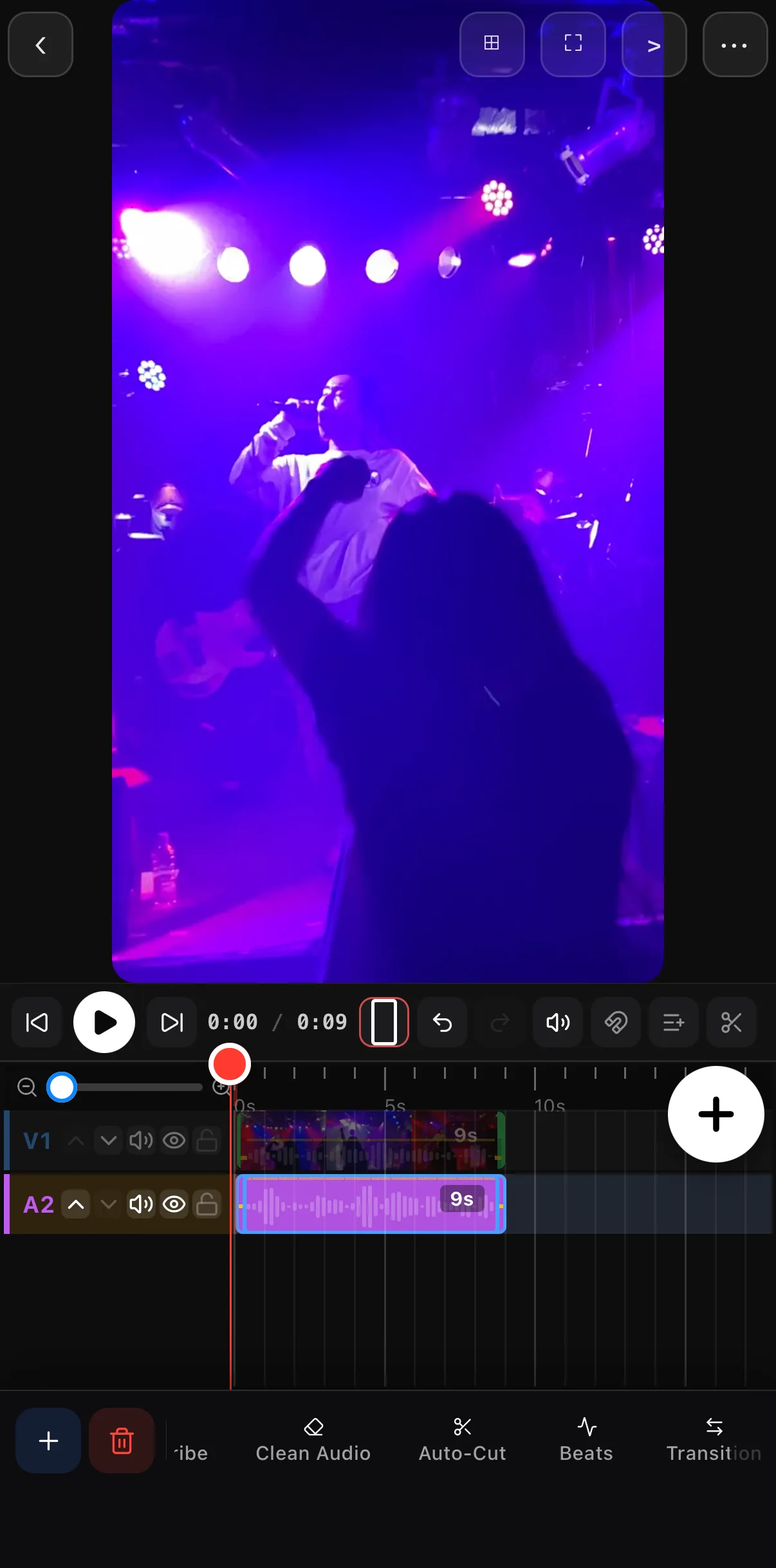 Beats
Beats
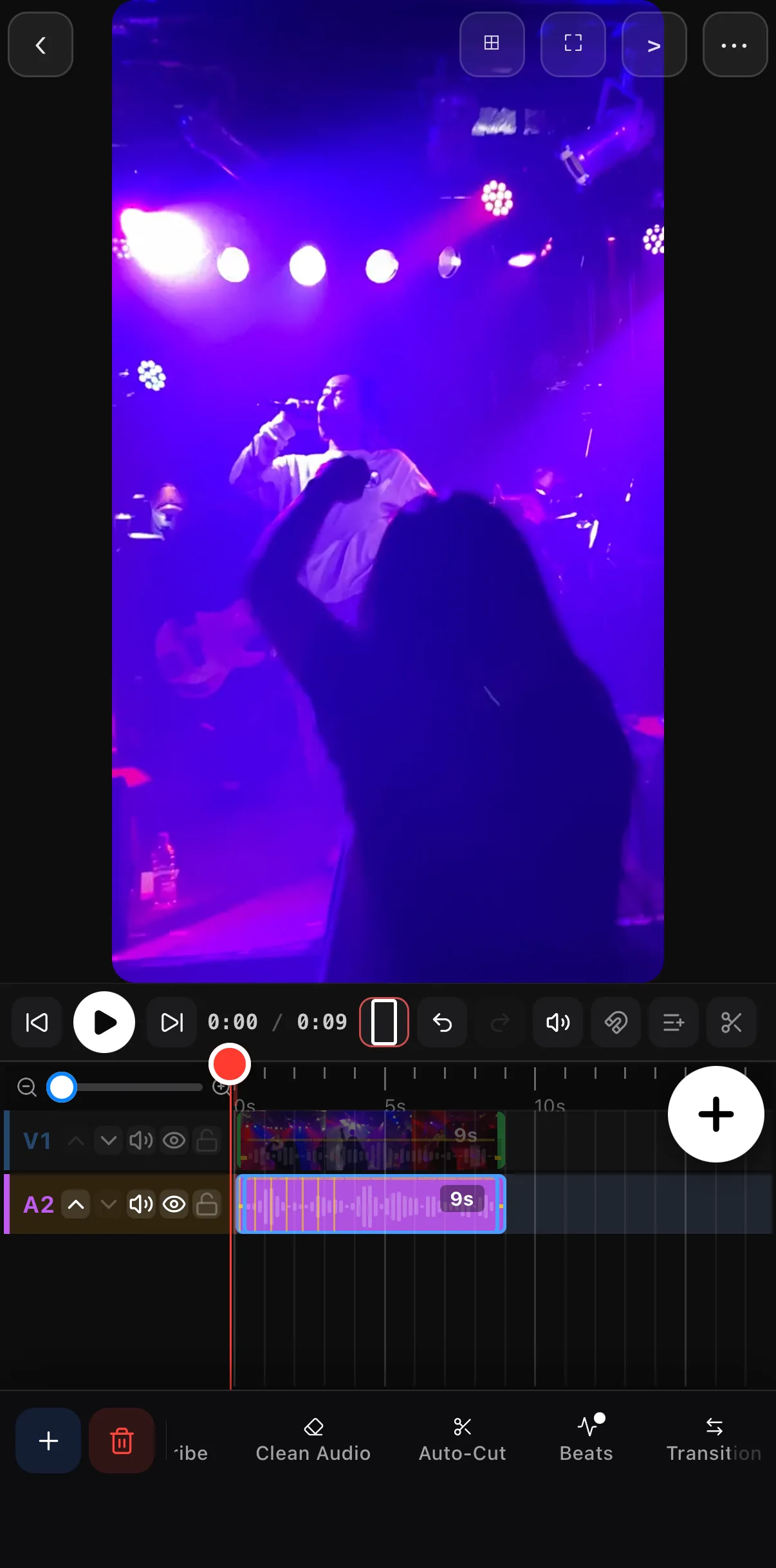 Yellow ticks = beats — your cut points
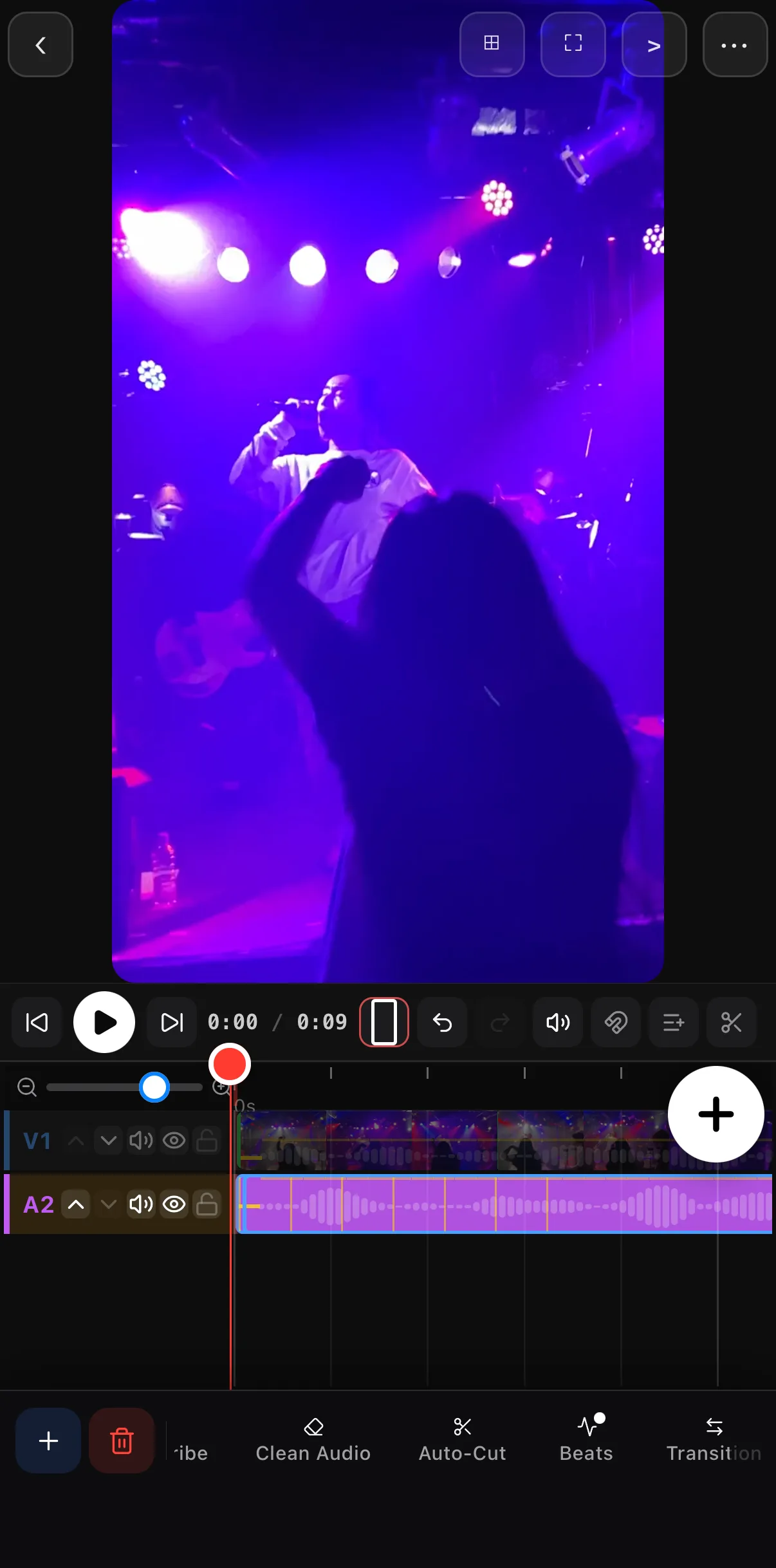 Zoom in
Ticks are easy to land on now
Zoom in
Ticks are easy to land on now
Drag the playhead onto a beat tick, tap your video clip, and tap Split on its toolbar (or arm the blade in the transport bar and tap the clip). Repeat at each beat you want a cut on — each split becomes a new edit point that lands exactly on the rhythm.
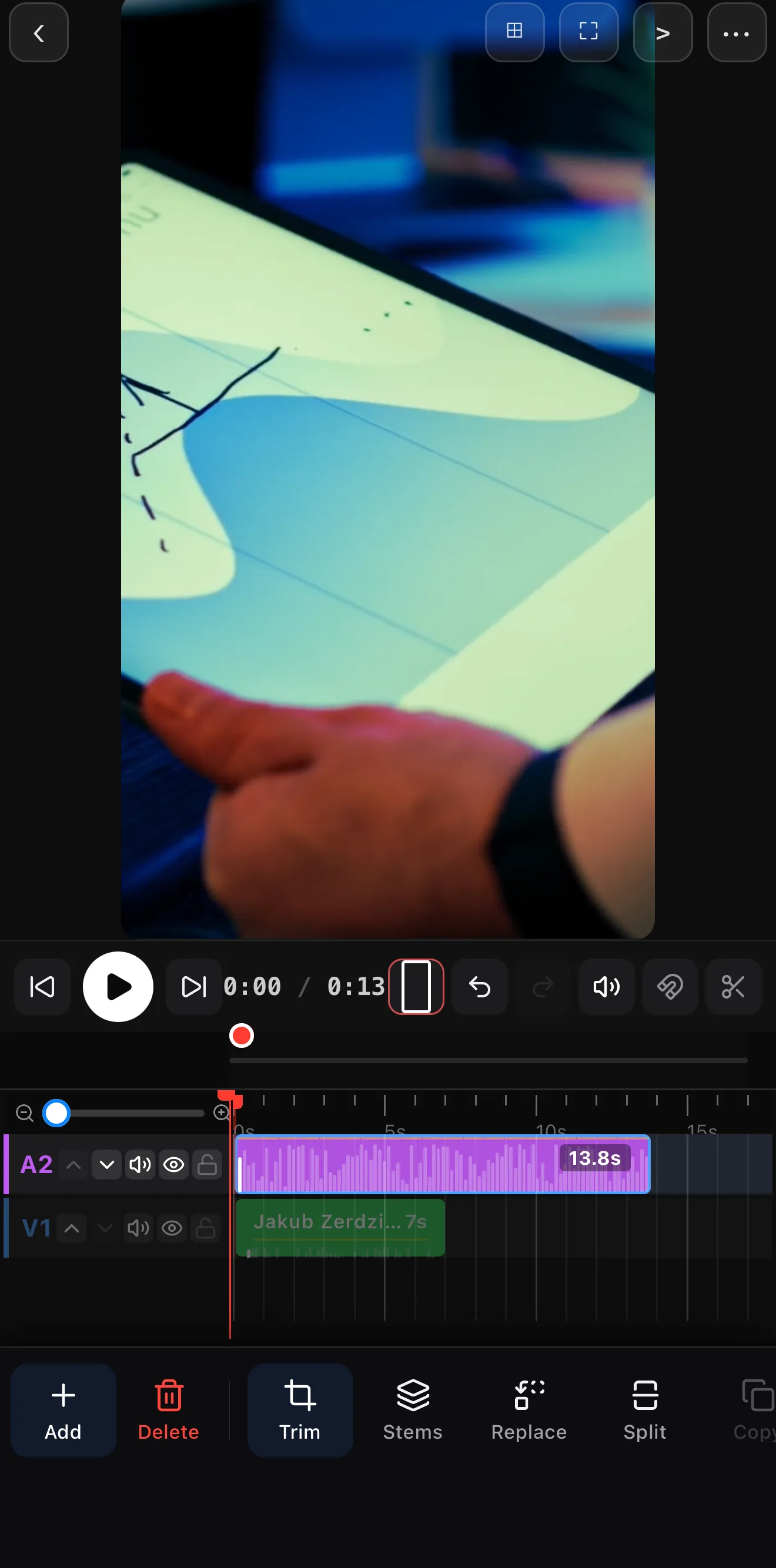 Playhead on a tick
The cut
Split
Playhead on a tick
The cut
Split
| Section | Cut rate |
|---|---|
| Intro / verse | every 2 beats |
| Build | every beat |
| Chorus / drop | on the beat, with a transition on the big hits |
Keep transitions short so they complete on the beat, not after it.
Busy track? Isolate the drums. Beat-reading is easiest off clean percussion. Separate the stems (the Stems button on an audio clip) and the drum waveform gives you a crisp, unmistakable beat grid to cut to.
Step 3 — Land the drop
The chorus or drop is your payoff. Stack the moves there: a cut on the downbeat, a quick speed ramp into it, maybe a flash transition. Then ease off — contrast is what makes the drop hit.
Where to go next
- Get clean drums to read: remove vocals & split stems.
- Time transitions to the beat: transitions between clips.
- Ramp into the drop: slow motion & speed ramps.
Read the beat in the waveform, Split on it, and let the music carry your edit. It’s the one habit that instantly separates pro-looking video from the rest.
Frequently asked questions
How do I cut a video to the beat?
Add your music first — its waveform shows the beats as regular peaks. Move the playhead onto a beat peak, select your video clip, and tap Split. Repeat at each beat you want a cut on. Because you can see the peaks, your cuts land on the rhythm instead of being eyeballed.
How do I find the beat in the waveform?
The loud, evenly-spaced spikes in the music's waveform are the beats — usually the kick and snare. Zoom the timeline in so the peaks are easy to see, then place your cuts on them. For a busy track, isolate the drum stem first so the beat stands out cleanly.
What makes beat-synced edits look professional?
Predictability. When cuts consistently land on the beat, the viewer's brain locks into the rhythm and the edit feels intentional. Cut every two beats through verses and on every beat in a chorus for a natural build.
Related guides
Put your cuts on the beat
Read the beat in the waveform, Split on each one, and your edit hits with the music. The pro look — one habit.
Get ExpoCut Browse all guides