Kinetic Typography & Typewriter Text (Words That Move)
Kinetic typography is just text that performs — typing itself out, popping in word by word, hitting on the beat. It’s the signature look of modern short video, and it’s built from two simple controls.
Quick answer
In the text tray open the Animate tab, tap + next to Starting, and pick a tile from the Typewriter family — Classic Typewriter, Cursor Typewriter, Word-by-word, Sparkle Typewriter, Sparkle Words, Line-by-line, Reverse / Backspace, Scramble Decode or Glitch Typewriter — then set the Duration so the last word lands on a beat. The Particles family adds smoke, fog, steam or sparkle companions that travel from word to word. Every tile previews on your own text, and the pick plays once on the canvas.
- Typewriter = letters or words appear over time; Particles = companions that ride along the reveal.
- Duration is the cadence — fast feels urgent, slow builds suspense.
- Scrub the timeline: the paused canvas shows exactly which words have landed at any frame.
- Animate the hook and key phrases only; keep the rest clean.
Static captions inform; kinetic ones perform. Text that types itself, pops in word by word, or hits on the downbeat is the signature look of modern short video — and it comes from two controls: the typewriter reveal and per-character animation.
The two building blocks
| Tool | What it does | Use it for |
|---|---|---|
| Typewriter reveal | Characters appear one at a time, with a cursor | “Live typing” intros, suspense, captions |
| Per-character animation | Each letter/word animates across a range | Word-by-word pops, wave-ins, kinetic captions |
| Particles | Smoke, fog, steam, sparkles that follow the words | Premium reveals, celebrations, product names |
Step 1 — Typewriter reveal
Add your text
A short line lands best — a hook, a question, a punchline.
Turn on the typewriter
In the text tray’s Animate tab, tap + next to Starting and tap the Typewriter chip. Choose a style — the line types itself out on the canvas the moment you tap — then set the Duration (the cadence — how fast it types) and tap ✓.
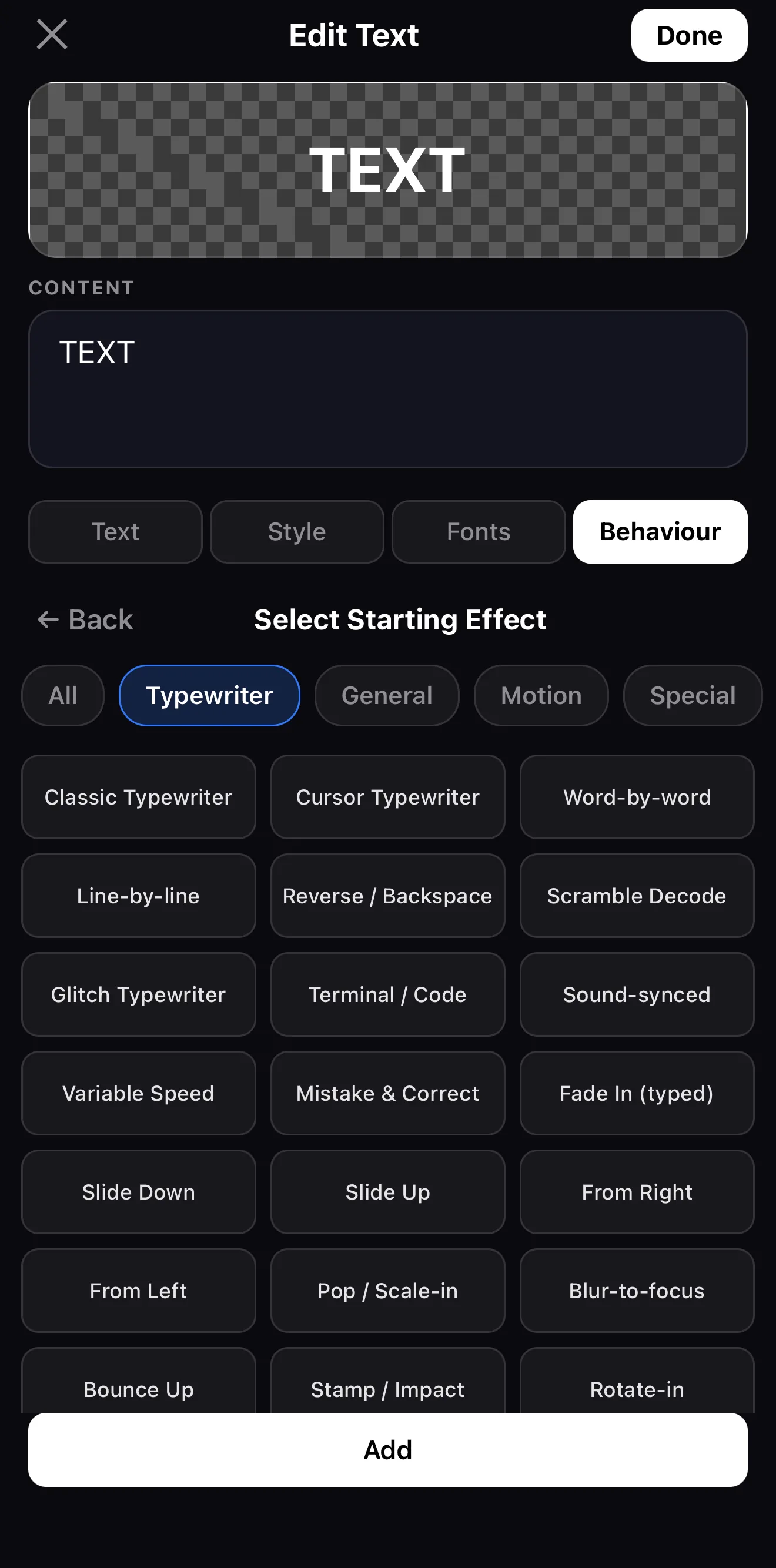 Typewriter · Particles · General · Motion · Special
The Typewriter family
Typewriter · Particles · General · Motion · Special
The Typewriter family
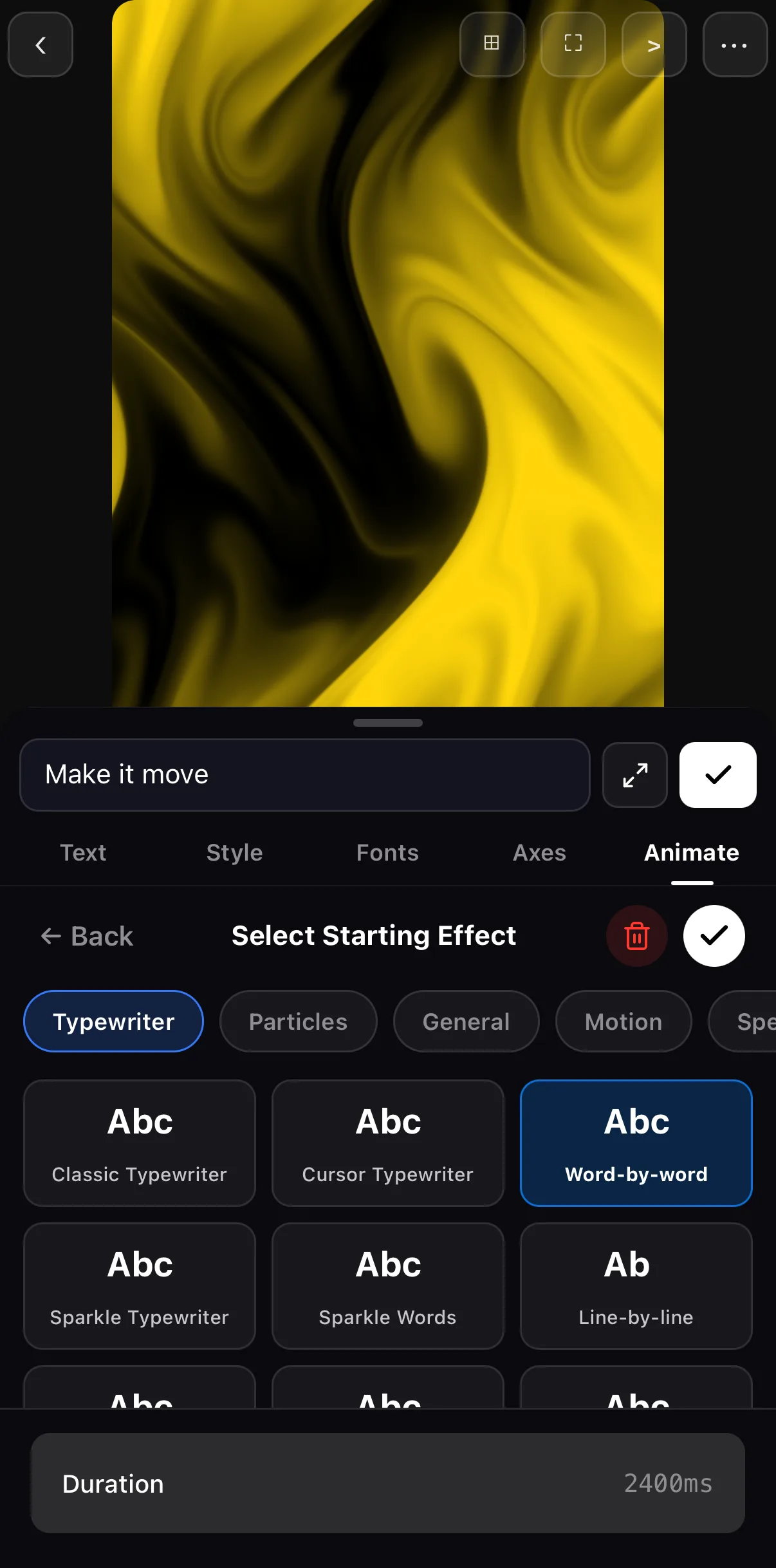 Duration — the cadence
Match the cadence to the moment. Fast typing feels urgent and energetic; slow typing builds suspense. Sync the final character to a beat or a cut for a satisfying landing.
Step 2 — Per-character (and per-word) animation
For the punchy “viral caption” look, animate each character or word across a range so they cascade in — a slight delay between each, timed to the speech. Letters can fade, pop, slide, or scale as they appear. Keep the per-item delay small so the whole word still reads quickly.
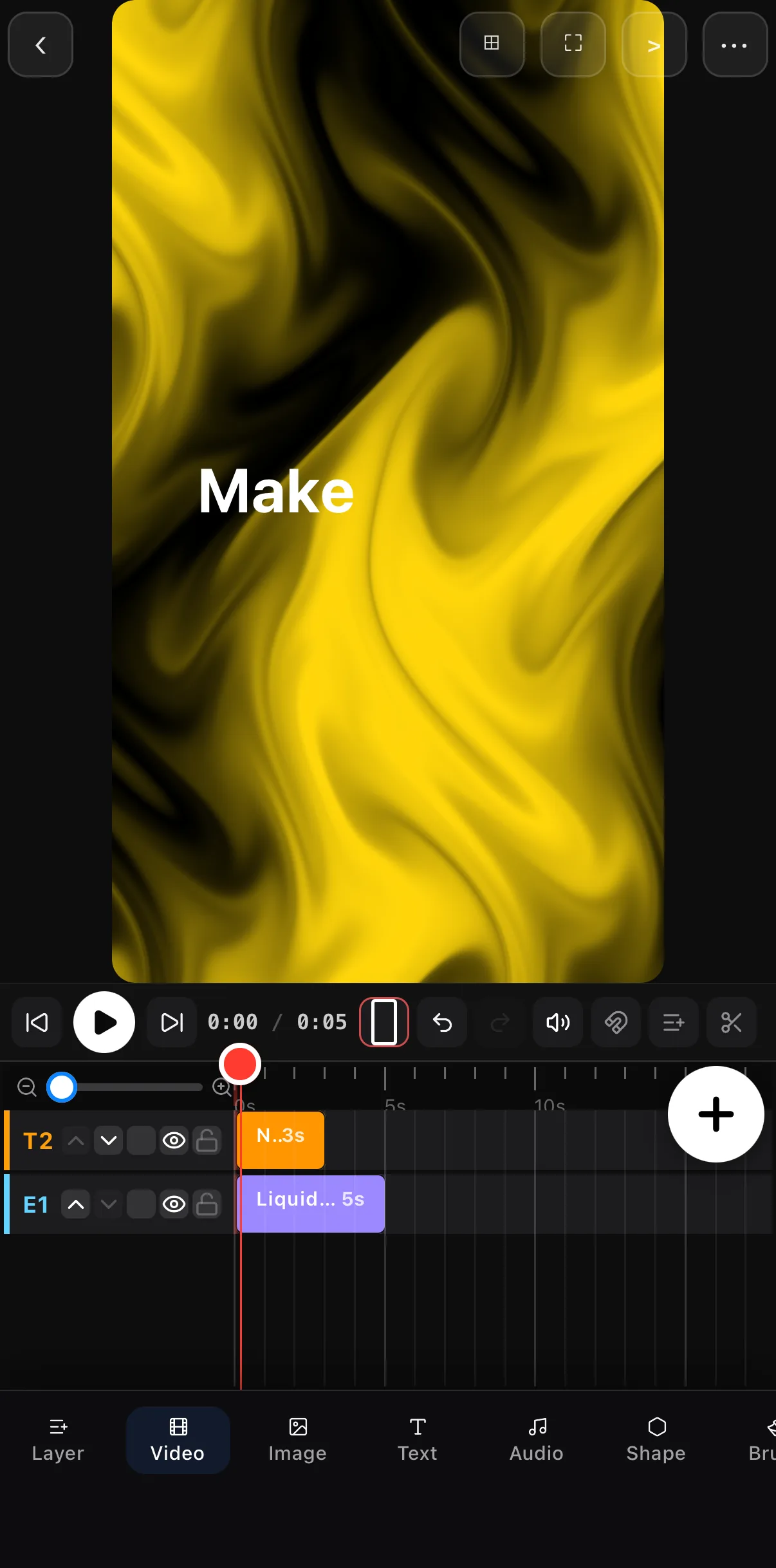 Caught mid-reveal — one word in
Playhead a fraction of a second in
Caught mid-reveal — one word in
Playhead a fraction of a second in
Particles: companions that ride the reveal
The Particles chip in the same picker adds a second layer of motion: smoke puffs, fog wisps, steam, cold breath, incense strands, smoke rings, ghost wisps and sparkles that travel from word to word as the text appears. One tap, no extra layers.
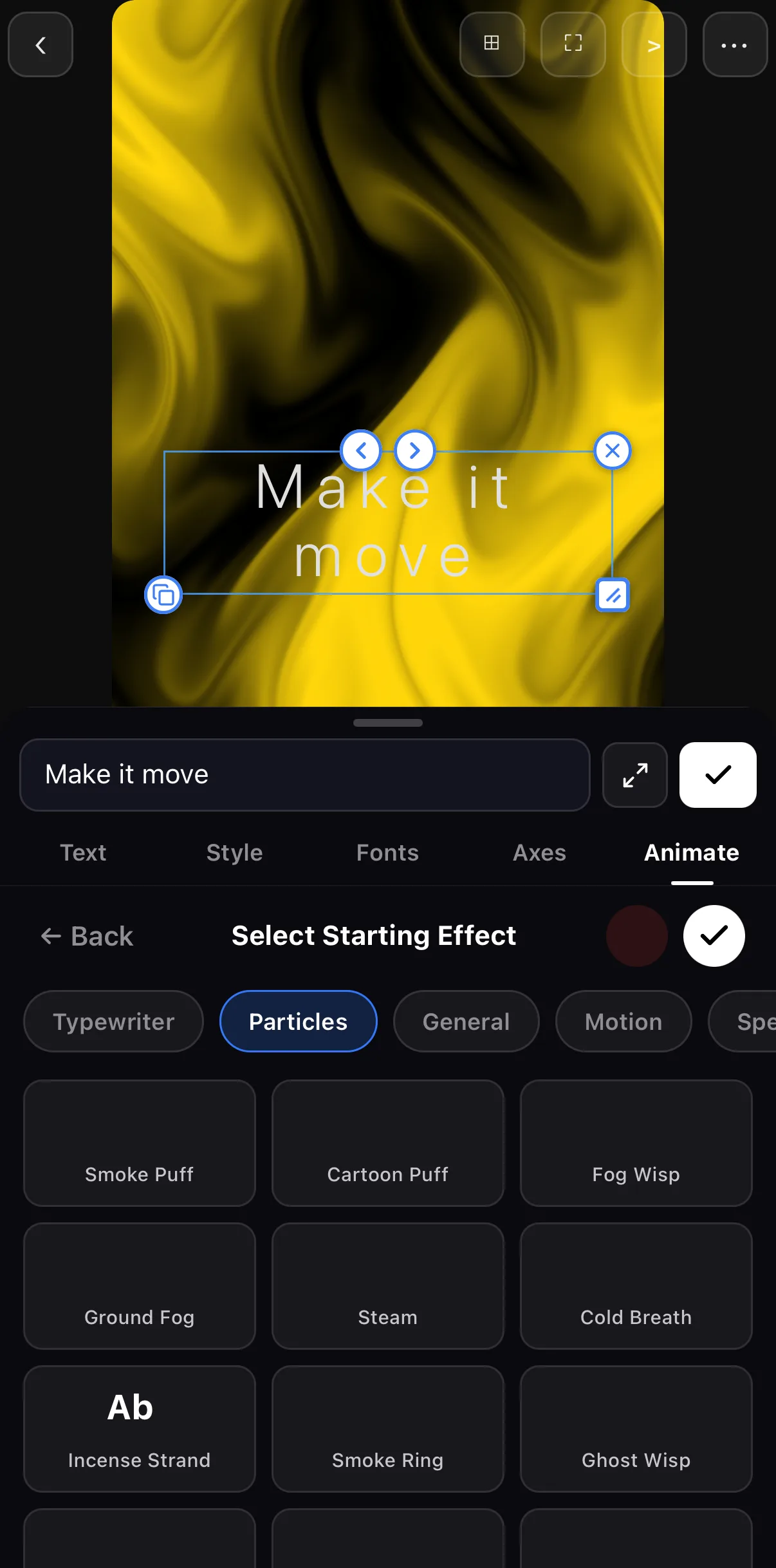 Particles
101 word-to-word companions
Particles
101 word-to-word companions
Kinetic type lives and dies on timing:
- Captions: pop each word as it’s spoken (pairs perfectly with animated titles).
- Hooks: land the last word on the first beat of the music.
- Lists: stagger each line in, one per beat, for a building rhythm.
Don’t overdo it
Kinetic type is seasoning. If every word does a backflip, nothing stands out. Animate the hook and key phrases; let the rest be clean and readable.
Where to go next
- The static foundation: animated text & titles.
- Sync the reveal to the track: add music & audio.
- Drive timing with the music: keyframes & motion paths.
Type it, pop it, hit it on the beat — kinetic typography turns plain captions into the thing that actually stops the scroll.
Frequently asked questions
How do I make text type itself out?
Add a text layer and turn on the typewriter reveal. The characters appear one at a time at a cadence you set, with an optional cursor. It's the 'someone is typing this live' effect, great for intros and captions.
What is kinetic typography?
It's text treated as motion — words and letters that animate in, scale, and hit with the rhythm rather than just sitting on screen. In ExpoCut you build it with the typewriter reveal plus per-character animation, where each letter or word animates across a range.
How do I make word-by-word captions?
Use per-character (or per-word) animation so each piece pops in slightly after the last, timed to the speech or beat. It's the punchy caption style you see on most viral talking-head clips.
Related guides
Make your words perform
Typewriter reveals and per-character animation — kinetic typography that types, pops and hits on the beat. Give your text a pulse.
Get ExpoCut Browse all guides