How to Make a Bar Chart Race Video on Your Phone
Bar chart races are weirdly addictive: bars racing past each other as the years tick by. They rack up millions of views — and you can build one on your phone. Here’s how.
Quick answer
To make a bar chart race in ExpoCut: start a 16:9 project, tap + ▸ Widget ▸ Bar Chart Race, and on the Data tab either Browse samples (curated Economics and Sports datasets such as World GDP 1995–2025 or F1 constructors’ titles) or Link CSV URL to live-load your own ranked-over-time numbers. Set the pace on Timing (seconds per frame, Linear/Smooth/Step interpolation, rank-swap and axis-rescale easing), tweak Layout and Theme colours, and tap Save — the race lands as its own layer (15 s for an 8-frame set) with a big year label counting up.
- Bar Chart Race is a widget: + ▸ Widget, near the bottom of the catalog.
- Data comes from curated samples (crypto, public companies, World GDP, F1, FIFA, Grand Slams, NBA) or any HTTPS CSV link.
- Timing: seconds per frame, Match host layer duration, Linear / Smooth / Step, rank-swap (500 ms) and axis-rescale (700 ms) easing.
- Theme sets background, title, subtitle, axis and gridline colours; the year label and flags are automatic for the samples.
- The race is a layer — put a title above it and a building music track under it.
The bar chart race is one of the most replayable formats on the internet — bars sprinting past each other as the years roll by. It looks like a data-studio job; in ExpoCut it’s a widget you feed your numbers to.
What makes a good chart race
You need ranked data that changes over time: a handful of categories, each tracked across several points in time. Great topics:
- Most populous countries by decade
- Top brands / companies by year
- Players or teams by points per season
- Subscribers, streams, or sales by month
Step 1 — Add the widget and load data
Add the Bar Chart Race widget
Tap the big + ▸ Widget and scroll to Bar Chart Race. A 16:9 project gives the bars room.
Load your data series
On the Data tab, Browse samples for a curated dataset or Link CSV URL for your own — categories and their values at each time step. The widget animates the bars growing, shrinking, and overtaking one another.
Set the pace, then Save
On Timing, tune seconds per frame and the easing so the race is exciting but readable. Save drops it on the canvas.
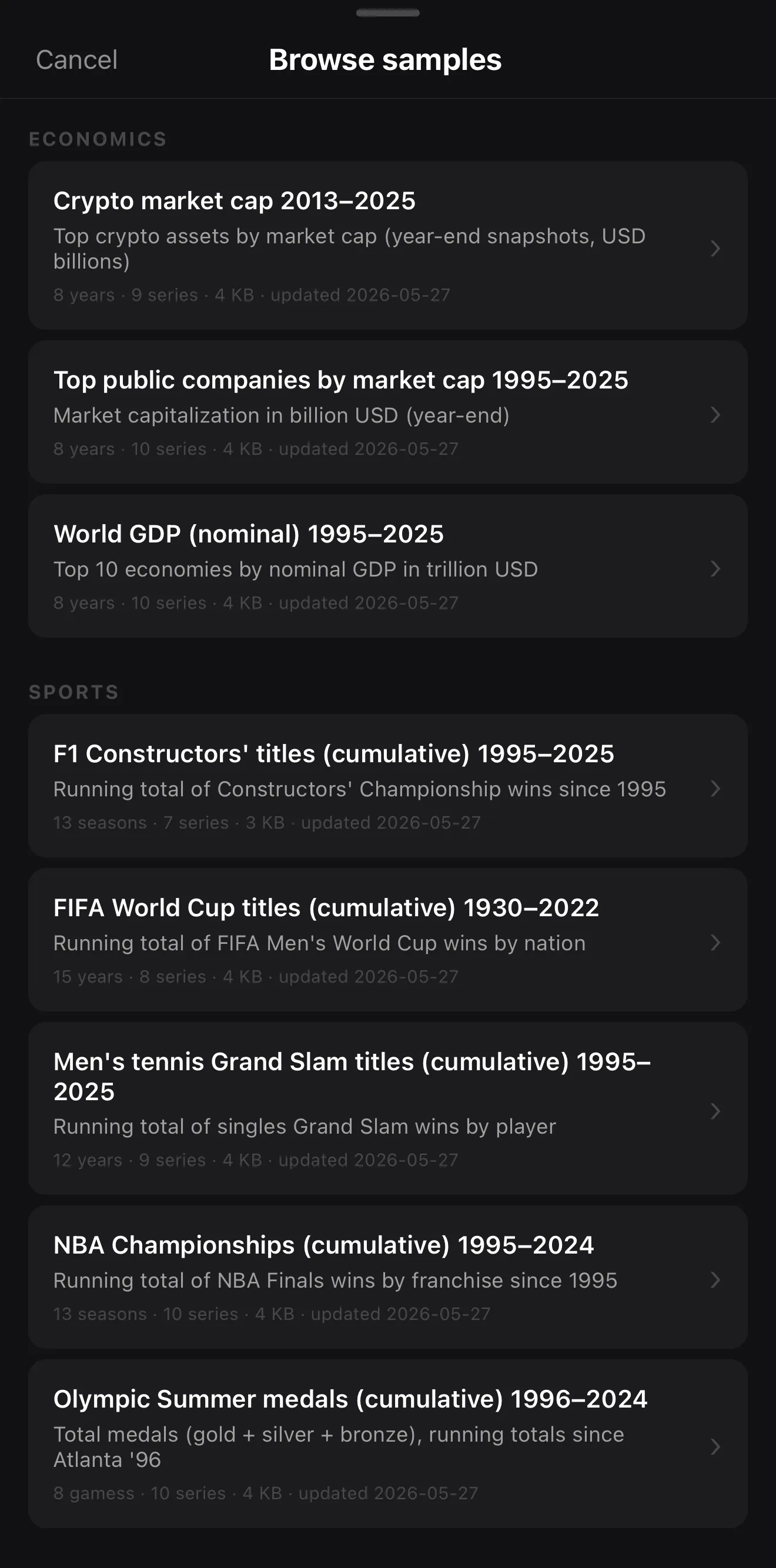 Economics — crypto, public companies, World GDP
Sports — F1, FIFA, Grand Slams, NBA
Economics — crypto, public companies, World GDP
Sports — F1, FIFA, Grand Slams, NBA
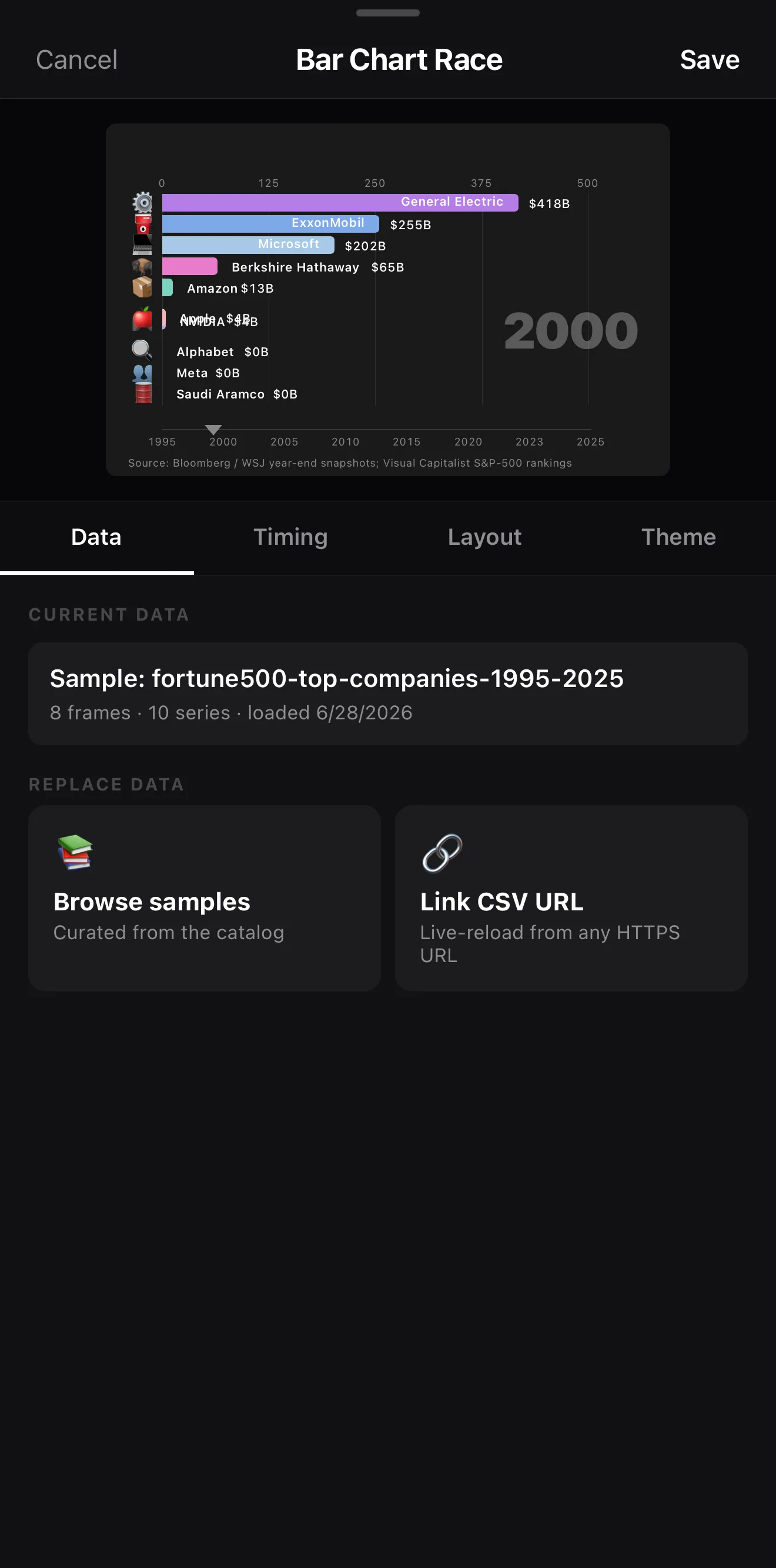 Bars grow, shrink and overtake as the year ticks up
8 frames · 10 series
Link CSV URL — your own data
Bars grow, shrink and overtake as the year ticks up
8 frames · 10 series
Link CSV URL — your own data
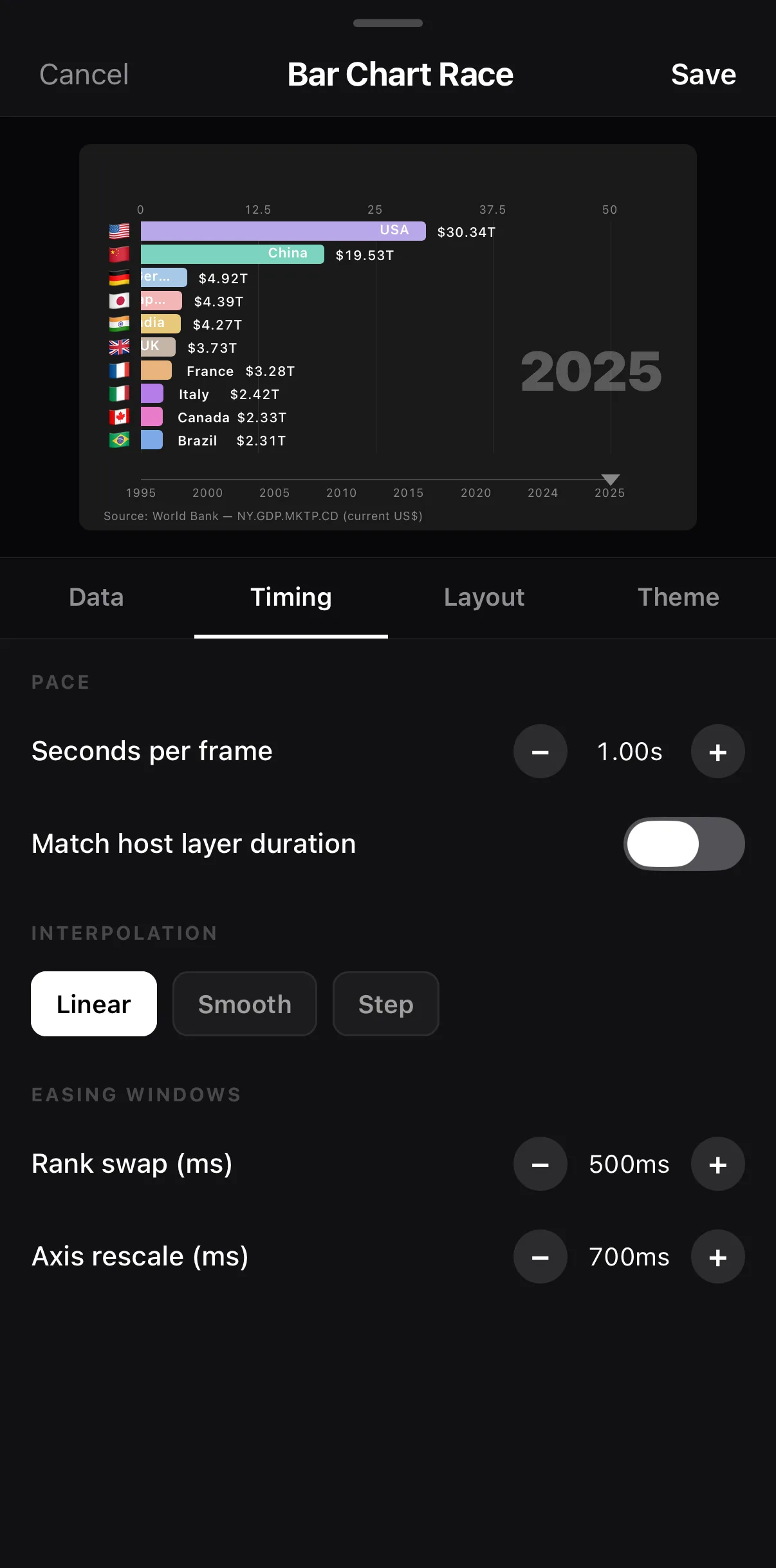 Seconds per frame
Linear · Smooth · Step
Rank swap + axis rescale easing
Seconds per frame
Linear · Smooth · Step
Rank swap + axis rescale easing
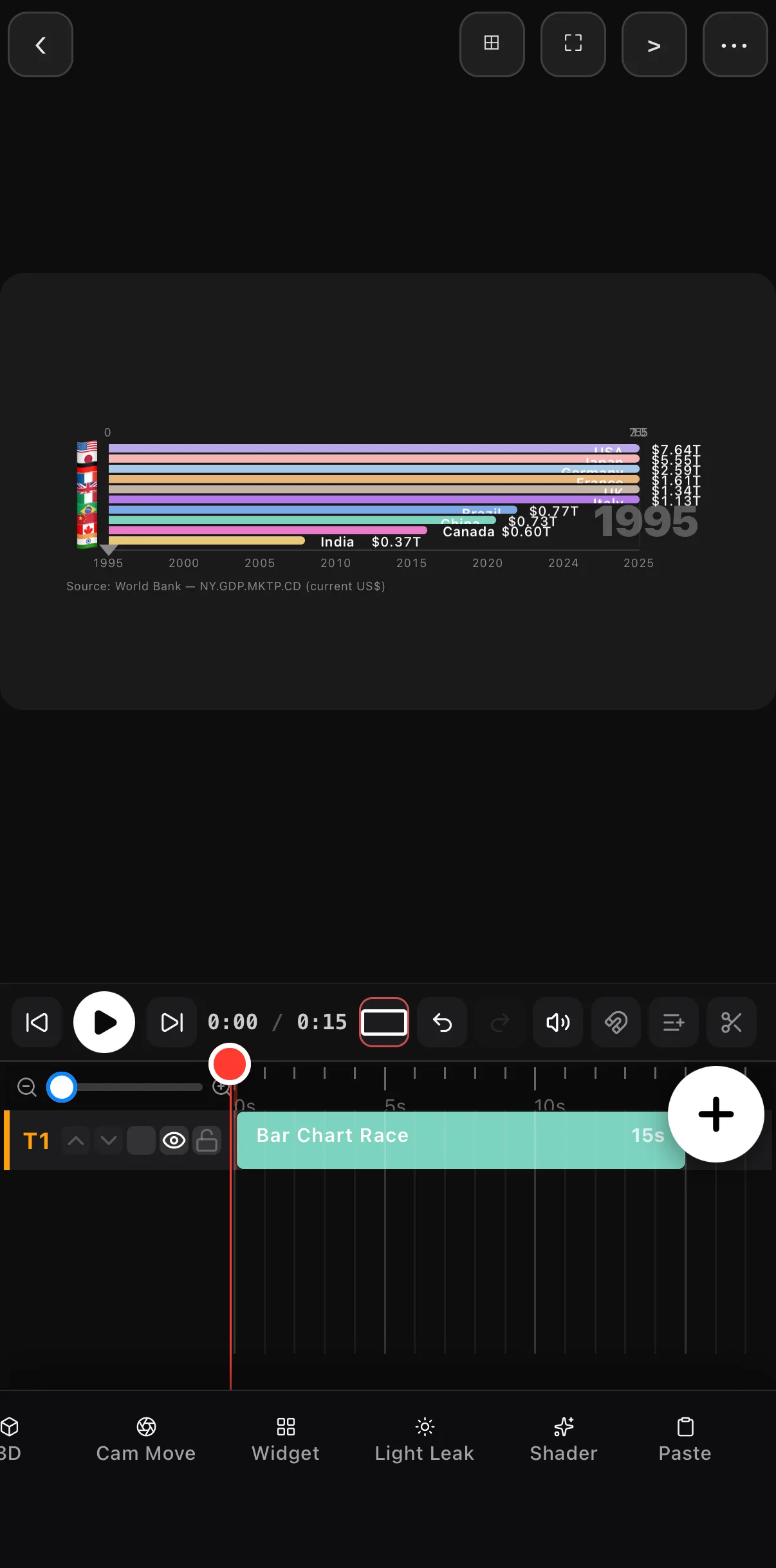 The race on a 16:9 canvas — its own layer
15-second Bar Chart Race clip on T1
The race on a 16:9 canvas — its own layer
15-second Bar Chart Race clip on T1
5–10 bars is the sweet spot. Too few and there’s no race; too many and it’s a blur. Keep the field tight so the lead changes are easy to follow.
Step 2 — Style it
The Theme tab sets background, title, subtitle, axis and gridline colours; Layout handles visible rows (10 by default — the 5–10 sweet spot), bar height and gap, highest-or-lowest on top, series icons (circle/square/none) and label placement. Keep labels legible and the year label big — it’s half the appeal. Match the palette to your brand or theme.
Step 3 — Wrap it in a video
A bare chart is data; a video is data plus storytelling:
- A title up top: “Most-Subscribed Channels, 2010–2025.”
- A building music track — the motion loves a beat.
- A payoff at the end: freeze on the final ranking with a quick callout.
Where to go next
- More overlays: scoreboard, poll & data widgets.
- Title and label it: text & titles.
- Score it to music: add music & audio.
Pick a ranking that changes over time, feed it in, style the bars, and add a beat — that’s a chart race built entirely on your phone.
Frequently asked questions
How do I make a bar chart race video?
Add the Bar-Chart Race widget, load your data series (categories and their values over time), and ExpoCut animates the bars growing and overtaking each other. Style the colors, labels, and speed, then export like any other video.
What kind of data works for a chart race?
Anything ranked that changes over time — most populous countries by decade, top brands by year, players by points per season, channel subscribers by month. You need a few categories tracked across multiple time points.
Can I add music and a title?
Yes — a chart race is just a layer, so add a title, a background, and a building music track. The motion of the bars pairs perfectly with rhythmic music.
Related guides
Race your data
Animated bar chart races — bars overtaking each other as time ticks by — built on your phone. Load the data, style it, export the views.
Get ExpoCut Browse all guides