Import After Effects & CapCut Templates (.mogrt) on Mobile
Already have motion graphics or timelines built in After Effects, CapCut-style tools, or Final Cut? Don’t rebuild them. ExpoCut can import several common formats and let you edit them natively on your phone.
Quick answer
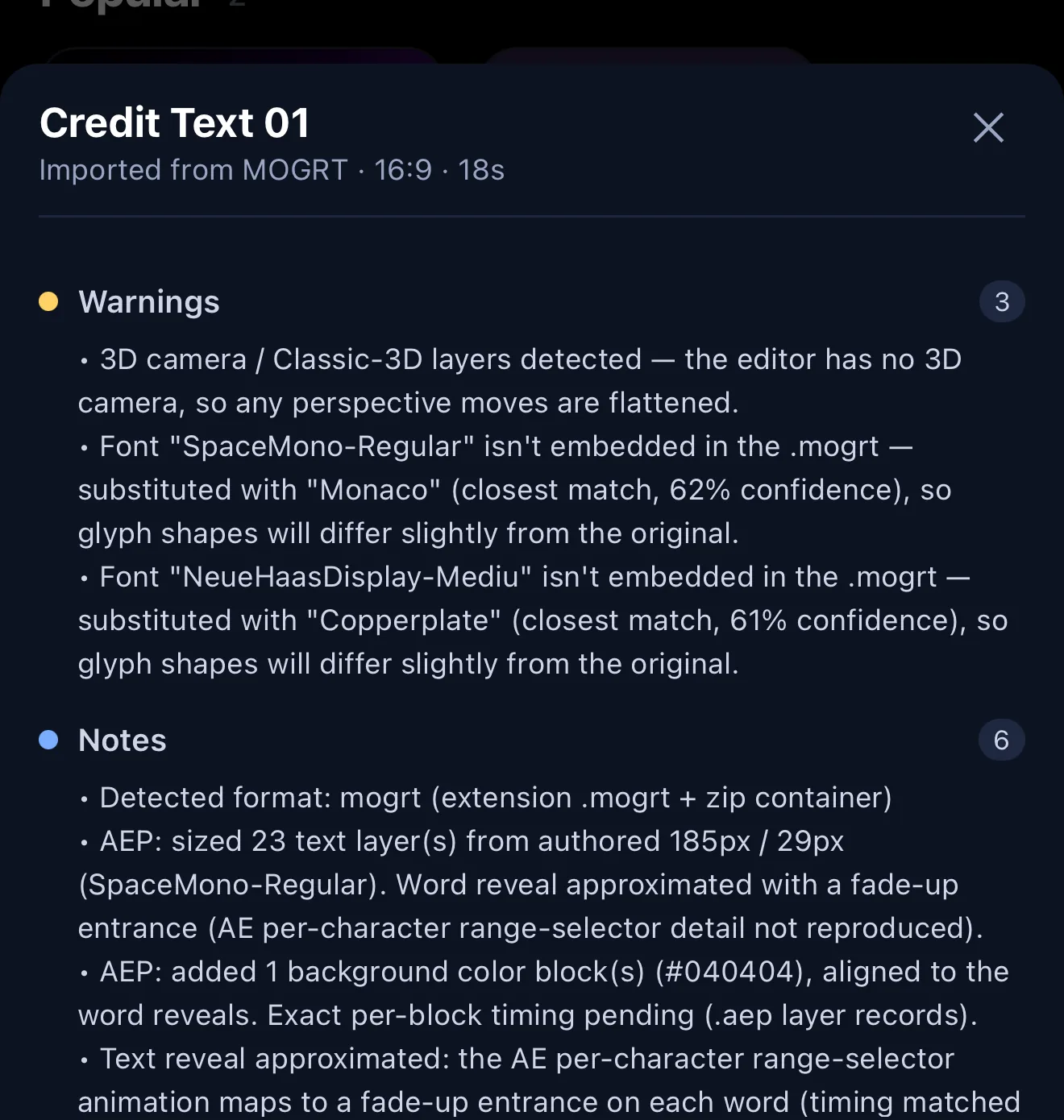
To import an After Effects .mogrt (or Lottie, FCPXML, .cube, .cdl) into ExpoCut: on the home screen open Templates, tap + Add, then either From other editors to pick the file from Files, or Import from URL to paste a direct link. ExpoCut detects the format and shows a compatibility report (warnings such as a substituted font or a flattened 3D camera, plus notes on what was approximated). Tap Open in editor to see the live preview, then Use this Template — a slot-by-slot filler asks for each text field (or Use defaults) and opens the project.
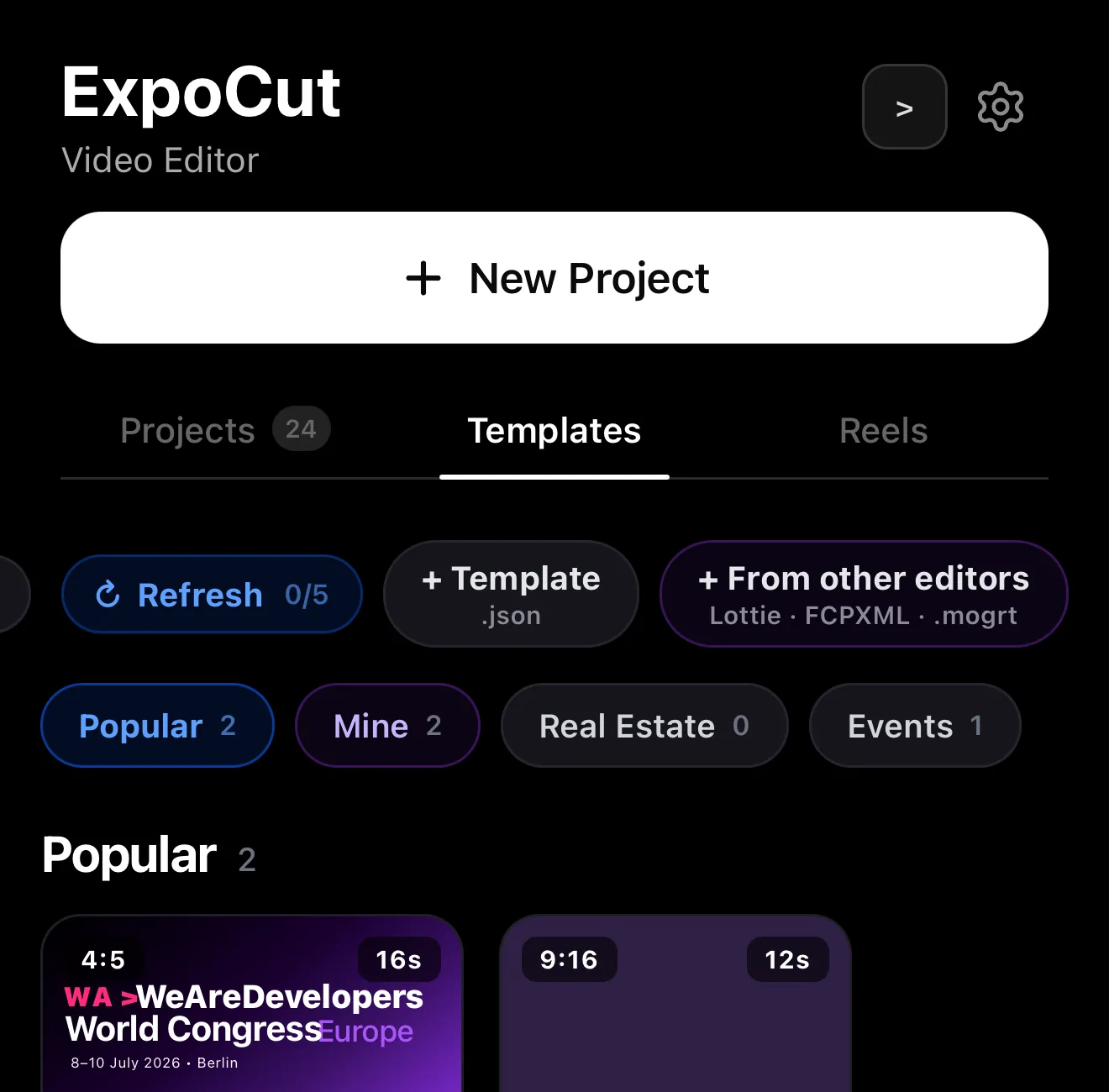
- Entry: Templates ▸ + Add — Load Template (.ectpl), Import from URL, ExpoCut template (.json), From other editors.
- Formats: .mogrt, Lottie JSON, FCPXML, .cube LUTs and ASC .cdl grades.
- Import from URL takes a direct link — handy when the file lives on a server or in a chat.
- The compatibility report is honest: 3D cameras flatten, unembedded fonts get the closest match, per-character AE selectors become fade-up entrances.
- The imported template live-previews; Use this Template walks every text slot (44 on this title pack) with a Use defaults shortcut.
Plenty of great work already lives in desktop tools — a polished AE title template, a Lottie animation, a Final Cut timeline. Rebuilding it by hand is a waste. ExpoCut imports several common formats and turns them into native, editable layers on your phone.
What you can import
| Format | What it is |
|---|---|
| .mogrt | After Effects Motion Graphics Template — editable titles/graphics |
| Lottie (JSON) | Lightweight vector animations |
| FCPXML | Final Cut Pro timeline interchange |
| .cube / .cdl | LUTs and ASC CDL colour grades — see CDL grades |
Step 1 — Open the importer
Templates ▸ + Add
On the home screen open the Templates tab and tap + Add.
Pick the file — or paste a link
From other editors opens the file picker; Import from URL takes a direct link to the .mogrt, Lottie or FCPXML. ExpoCut detects the format automatically.
Read the report, open it
The importer converts what it can into native ExpoCut layers and shows a compatibility report before you open it.
 Import from URL — paste a link
From other editors — Lottie · FCPXML · .mogrt · .cube · .cdl
Import from URL — paste a link
From other editors — Lottie · FCPXML · .mogrt · .cube · .cdl
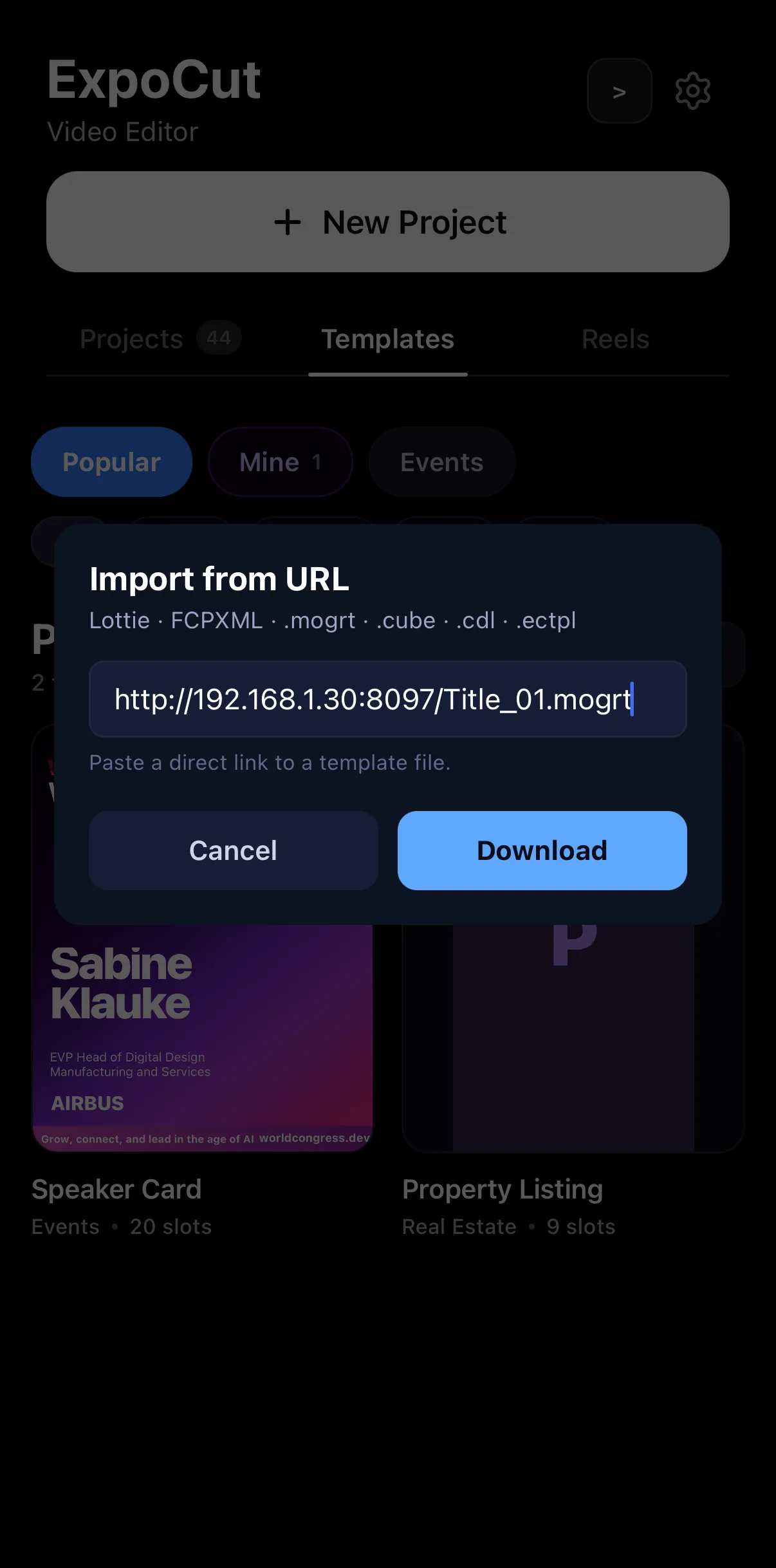 Direct link to the file
Download
Direct link to the file
Download
Step 2 — Check what came across
Formats differ, so expect to tidy up:
- Text & editable fields generally import — update the copy to your message.
- Layers, timing, and structure come across so you can keep editing.
- Desktop-only effects may simplify; swap in an ExpoCut effect or transition where something didn’t translate.
ExpoCut tells you exactly what happened. After an import it shows a compatibility report — what migrated cleanly, and what it had to approximate (a missing font substituted, a 3D camera flattened) — so there are no surprises later.
 Imported from MOGRT · 16:9 · 5s
Honest warnings: 3D flattened, font substituted
Notes — what was approximated
Open in editor
Imported from MOGRT · 16:9 · 5s
Honest warnings: 3D flattened, font substituted
Notes — what was approximated
Open in editor
Import, then verify. Scrub the imported result before you rely on it — confirm the text is editable and the timing reads right, and replace anything that didn’t migrate cleanly.
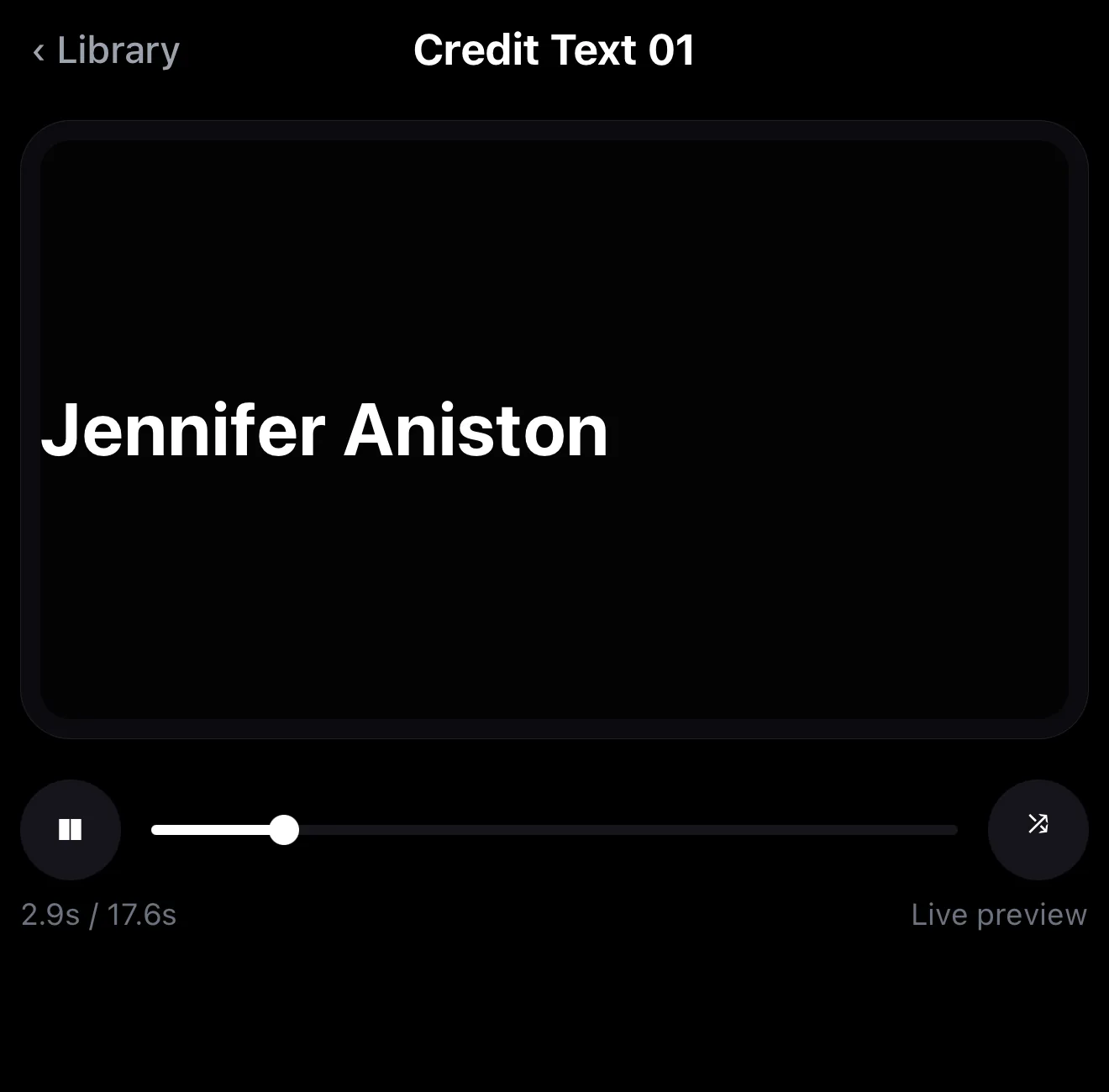 The AE word reveal, live-previewing
Use this Template
The AE word reveal, live-previewing
Use this Template
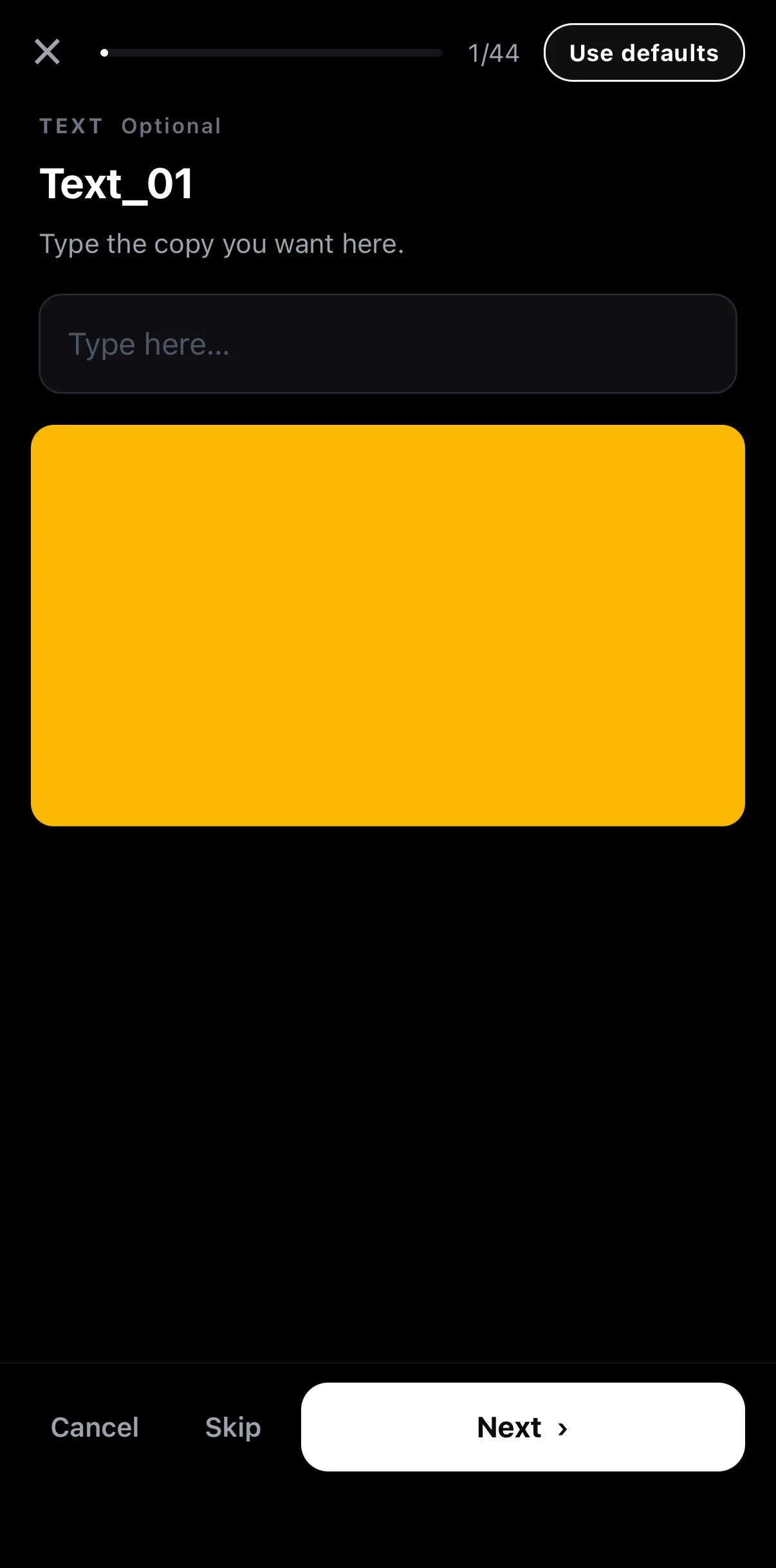 44 text slots — or Use defaults
Type this slot’s copy
Next
44 text slots — or Use defaults
Type this slot’s copy
Next
Step 3 — Make it yours and reuse it
Once it’s in, treat it like any project: restyle it, apply your brand kit, and — if it’s something you’ll use again — save it back out as your own template.
Where to go next
- The native template format: how to use .ectpl templates.
- Rebuild effects that didn’t import: every effect explained.
- Brand the result: templates & brand kits.
Import it, check it, brand it — your desktop work gets a second life on your phone instead of a rebuild.
Frequently asked questions
Can I import an After Effects template into ExpoCut?
Yes — ExpoCut can import .mogrt (Motion Graphics Template) files and bring the editable text and layers onto your timeline, so you can reuse AE-built graphics on your phone. Other supported formats include Lottie animations and FCPXML timelines.
What formats can I import?
Foreign project/template formats including After Effects .mogrt, Lottie JSON animations, and FCPXML timelines. ExpoCut detects the format and migrates what it can into native, editable layers.
Will everything come across perfectly?
Core structure, text, and editable fields come across; some advanced desktop-only effects may simplify or drop, since the formats differ. Import, then check the result and adjust anything that didn't translate.
Related guides
Bring your desktop work to your phone
Import After Effects .mogrt, Lottie and FCPXML, then edit natively. Reuse what you've already built instead of starting over.
Get ExpoCut Browse all guides